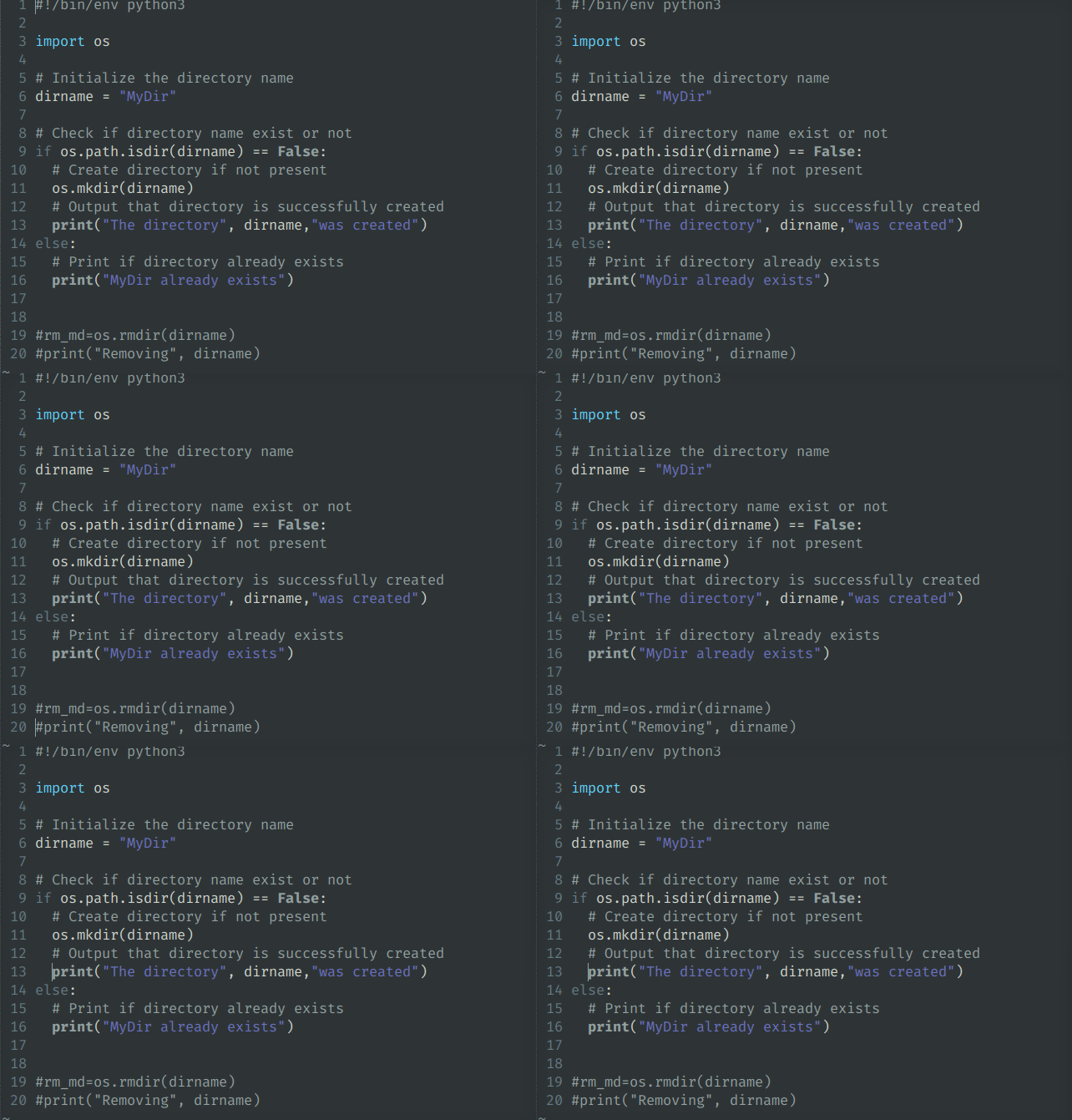
In VIM you can use the shortcut of SHIFT + G to get to the end of your file.
To get back to the top press gg and vim will jump to the first line of the file.
Jumping to a specif line use the number of the line and SHIFT+G. Example 13+SHIFT+G like below
Used shortcuts in video are:
1. End of file: SHIFT+G
2. Top of file: gg
3. Jump to specific line: Number+SHIFT+G